Google Slides
Editable Clip Art for Google Slides
In the rapidly evolving landscape of digital education, the ability to create engaging, interactive, and visually appealing presentations is no longer a luxury—it is a necessity. For teachers, content creators, and music educators, editable clip art for Google Slides has emerged as a game-changing resource. Unlike static images, editable and movable graphics allow for a level of customization that transforms a standard slideshow into a dynamic learning environment.
At Anastasiya Multimedia Studio, we specialize in bridging the gap between artistic expression and educational utility. Whether you are teaching rhythm to kindergarteners or designing complex music theory modules, understanding how to leverage editable vector graphics is key to student engagement.
What is Editable Clip Art for Google Slides?
When we talk about "editable" clip art in the context of Google Slides, we are referring to graphics that go beyond simple "copy and paste." These assets typically fall into two categories:
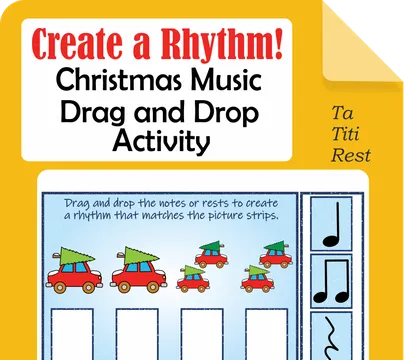
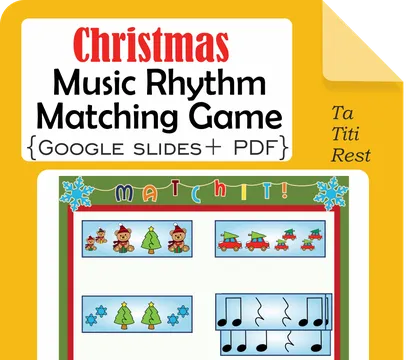
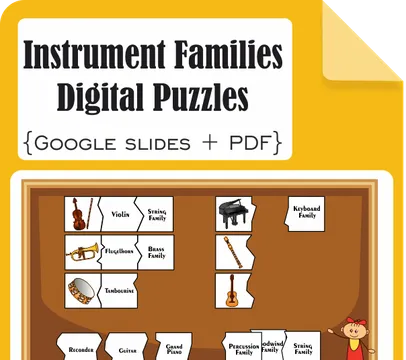
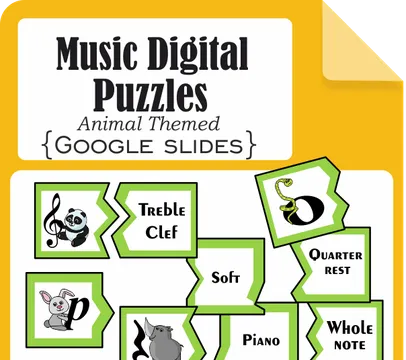
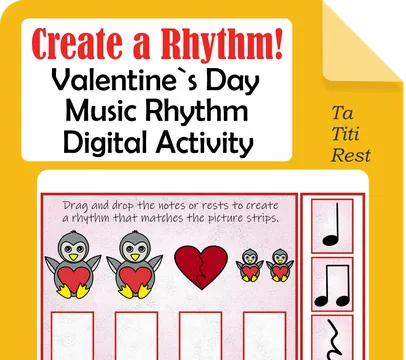
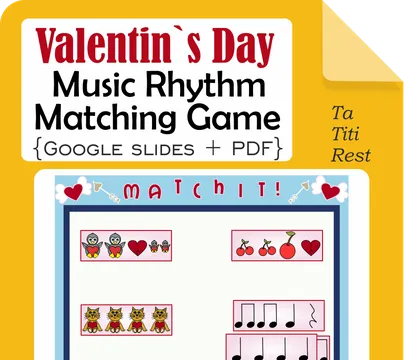
- Movable Images: These are graphics specifically licensed and formatted to be moved around the screen by students. This is essential for "drag-and-drop" activities, such as matching music rhythms (Ta, Ti-Ti, Rest) or sorting instrument families.
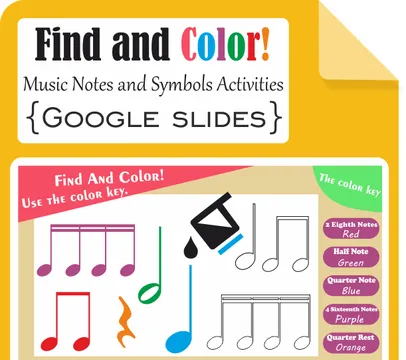
- Vector-Based Graphics: These are images that can be resized, recolored, and modified without losing quality. While Google Slides primarily handles raster images (PNG/JPG), high-quality editable clip art is often designed as vector shapes that have been optimized for the Google ecosystem, allowing teachers to change colors to highlight specific musical notes or symbols.
The Power of Movable Images in the Digital Classroom
The shift toward Google Classroom and remote learning has popularized the use of movable pieces. In a traditional classroom, a teacher might use physical flashcards. In a digital setting, movable clip art serves as the virtual equivalent.
Enhancing Interactivity
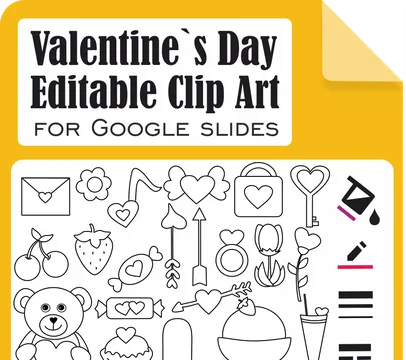
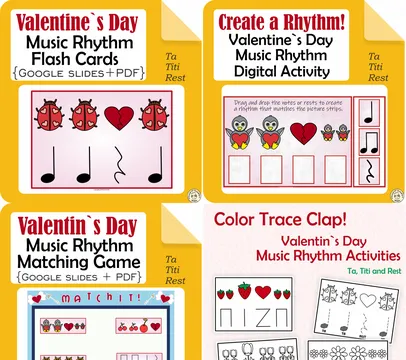
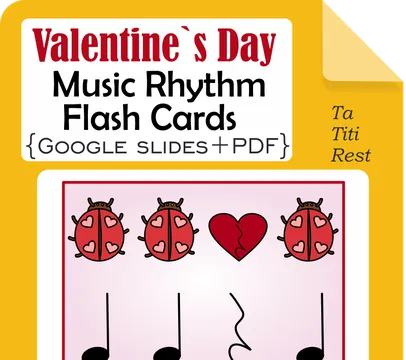
Interactive slides keep students active. For example, using our Valentine’s Day Vector Editable Clip Art, a teacher can create a slide where students drag a "heart" rhythm onto a specific beat. This tactile-digital interaction reinforces learning far better than a static image ever could.
Customization for Diverse Learners
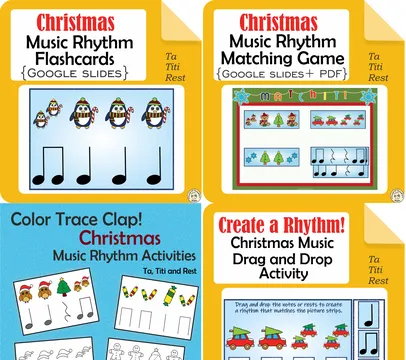
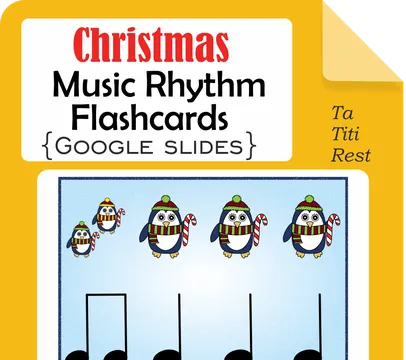
Every classroom is different. Editable clip art allows you to differentiate instruction. You can change the color of a "Christmas Music Rhythm" graphic to help a student with visual processing needs or resize elements to create a "Big Print" version of a matching game.
Specialized Clip Art for Music Educators
Music education requires a specific set of symbols—notes, rests, clefs, and instruments. Finding high-quality, editable music clip art can be challenging. Our collection at Anastasiya Studio is designed by an educator for educators.
Rhythm and Literacy Activities
Our Kindergarten Christmas Music Rhythm Activities utilize editable assets to teach basic literacy. By using movable images for Ta, Ti-Ti, and Rest, students can "compose" their own rhythms directly within Google Slides. This turns a passive viewing experience into a creative composition session.
Seasonal and Themed Resources
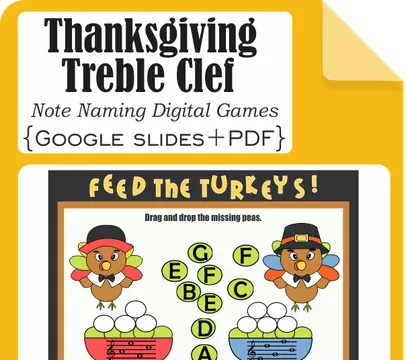
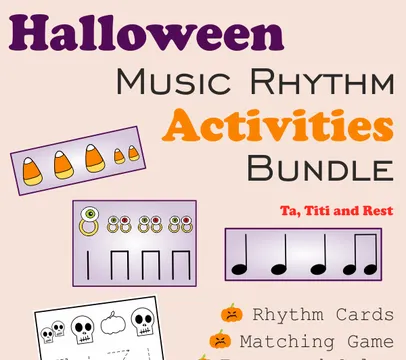
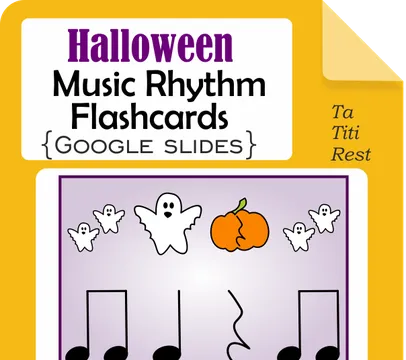
Engagement often peaks when lessons are tied to holidays. From Halloween Music Rhythm Flashcards to Thanksgiving Treble Clef Games, having a library of themed, editable clip art ensures that your Google Slides presentations are always fresh and relevant.
How to Effectively Use Editable Graphics in Google Slides
To get the most out of your editable assets, follow these professional tips:
- Locking the Background: When creating a drag-and-drop activity, always place your non-movable elements (like instructions or the "game board") on the Slide Master or save them as a background image. This prevents students from accidentally moving the wrong parts.
- Using Transparent Backgrounds: Ensure your clip art is in PNG format with a transparent background. All products in our Google Slides list are optimized to overlay perfectly on any slide theme.
- Grouping Elements: If you have a complex graphic (like a musical instrument with labels), use the "Group" feature (Ctrl+Alt+G) in Google Slides to keep the editable parts together while moving them.
Why Choose Anastasiya Multimedia Studio?
Our resources are more than just pictures; they are pedagogical tools. Every piece of editable clip art for Google Slides in our catalog is:
- Virus and Malware Checked: Safety is paramount for school networks.
- Commercial Use Friendly: Many of our graphics are suitable for other TPT (TeachersPayTeachers) creators.
- Expertly Crafted: Designed with music literacy and artistic expression in mind.
By integrating these flexible graphics into your teaching, you are not just showing a slide—you are building an interactive experience that resonates with the modern digital learner.