Google Slides
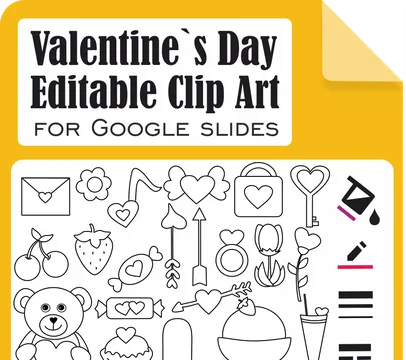
Google Slides editable clip art helps teachers and TPT sellers create movable images for digital lessons, worksheets, Boom Cards™, Google Docs™, PowerPoint, and classroom products. This page collects Google Slides graphics from Anastasiya Multimedia Studio that you can copy into your own presentation, ungroup, recolor, adjust borders, add letters or numbers, group again, and export as a PNG with a transparent background. Use these editable images when you need custom teaching visuals for paper resources, digital activities, interactive slides, centers, task cards, flashcards, and classroom decor. Follow the product terms, secure graphics in your files, and give credit when the license requires it.








Frequently Asked Questions
Copy the image into your presentation, ungroup the objects, then change the fill color, border color, border weight, and border dash. Add letters or numbers with your chosen fonts.
No. The editable clip art lets you adjust colors, borders, and text, but you cannot use the polyline tool to reshape the original objects.
No. One of the biggest advantages of our Google Slides Editable Clip Art is that it works entirely within your web browser. You don't need Photoshop or Illustrator to create engaging, professional-looking music activities.
Yes. All files at Anastasiya Multimedia Studio are rigorously checked for malware and viruses. We understand the strict security protocols of educational institutions and ensure our downloads are 100% safe for school devices.
Yes. After editing and grouping the objects, download the image to your computer as a PNG with a transparent background.
Use it in paper worksheets, PowerPoint presentations, Microsoft Word documents, Google Slides™, Google Docs™, Boom Cards™, and other digital teaching products.